

The Ultimate Guide to Google’s “Nano Banana” AI Image Editor with Sample Prompts
The internet has a new obsession, and it goes by the delightful name of “Nano Banana.” If your social media feeds have been flooded with hyper-realistic 3D figurines of your friends, pets, and even celebrities, you’ve witnessed the power of Google’s groundbreaking AI image editor. This isn’t just another photo filter; it’s a creative revolution packed into a user-friendly tool. Learn how it use it here with sample prompts.
This SEO-friendly guide will walk you through everything you need to know about the Nano Banana trend, from what it is to how you can join the fun and create your own stunning AI-generated images.
What is “Nano Banana”?
“Nano Banana” is the viral nickname for Gemini 2.5 Flash Image, Google’s latest and most powerful AI image editing model, integrated into the Gemini app. This tool has taken the internet by storm because of its incredible ability to turn simple photos into detailed 3D models and perform complex edits with just a text prompt.
What makes Nano Banana so special?
- Character Consistency: This is the game-changer. Unlike older AI editors, Nano Banana excels at maintaining a person’s or pet’s likeness across different edits. You can change outfits, hairstyles, and backgrounds, and the subject will still look like themselves.
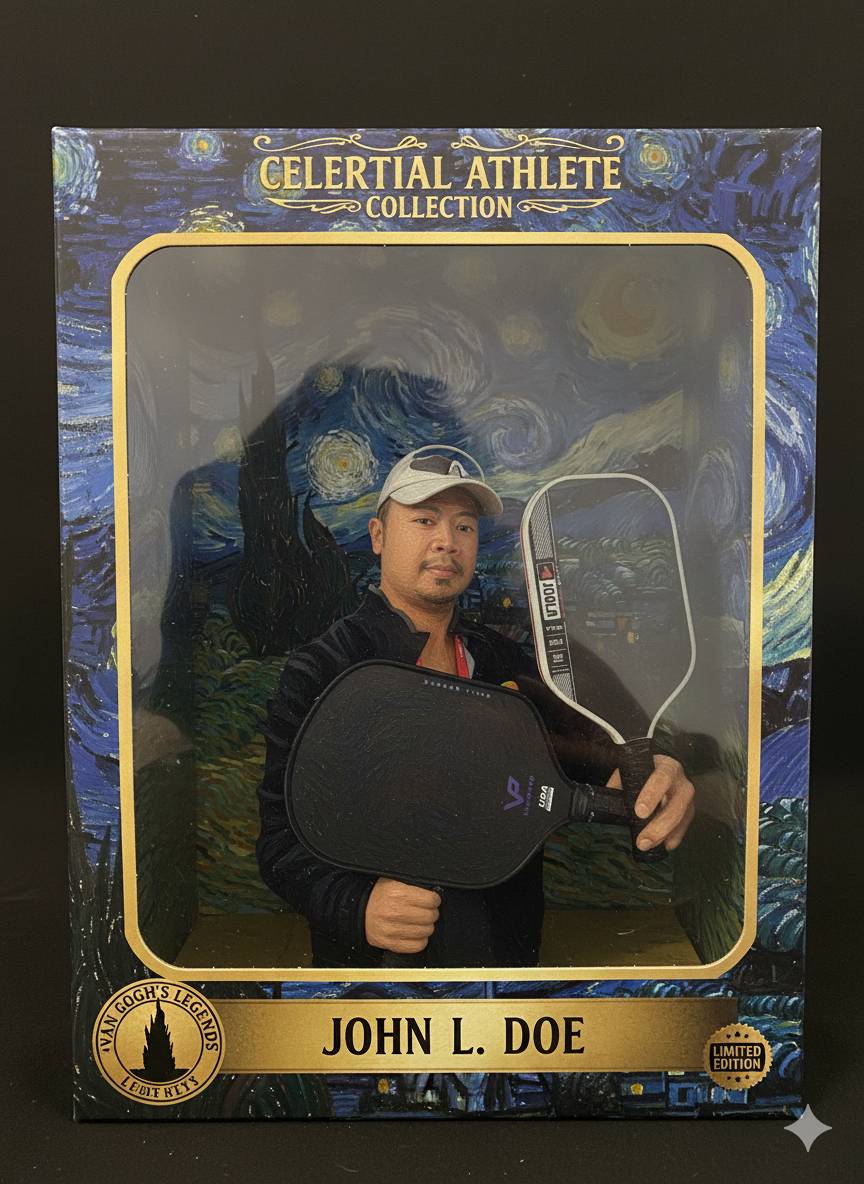
- 3D Figurine Creation: The most popular trend involves turning photos into realistic, collectible-style 3D figurines, complete with toy packaging and accessories.
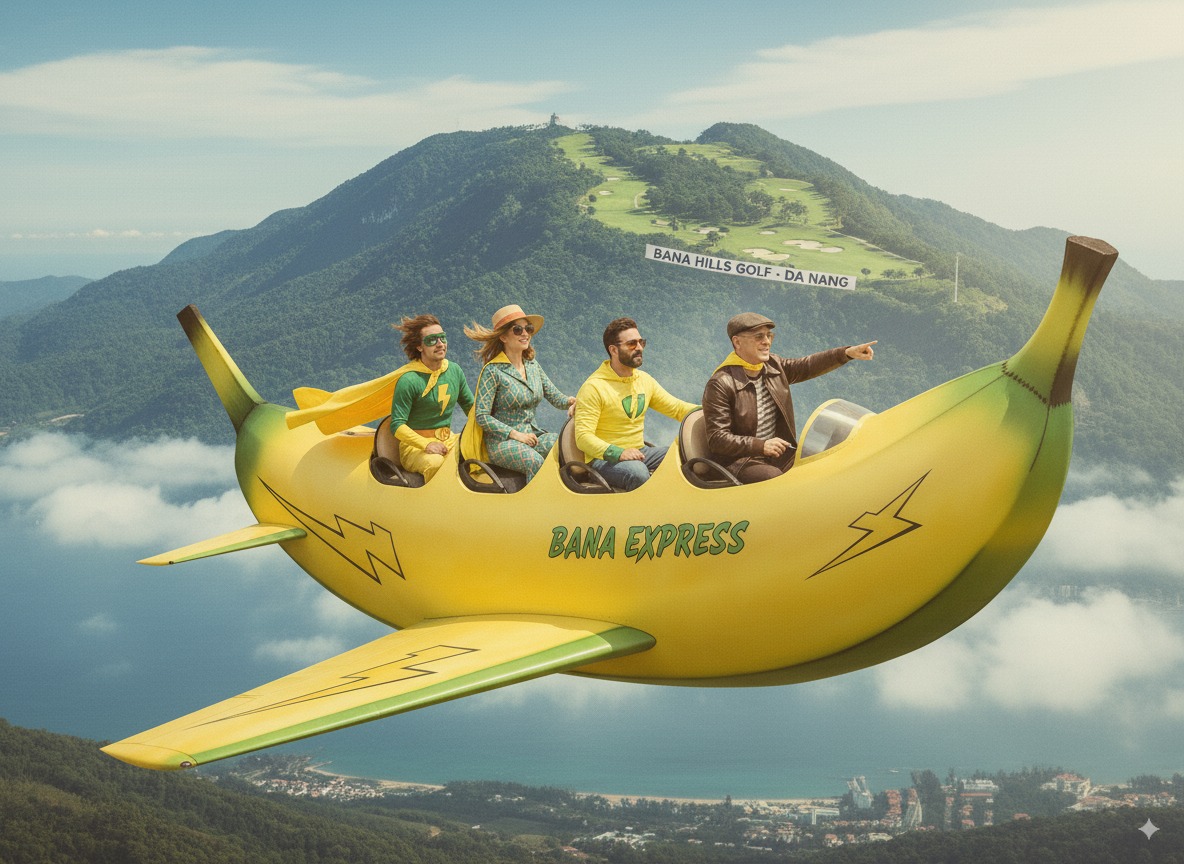
- Intuitive Editing: No complex software is needed. You can add, remove, or change elements in your photos using natural language. Want to add a hat to your cat or place yourself on the moon? Just type it in.
- Creative Blending: Combine multiple photos seamlessly. Create a family portrait with a pet who wasn’t in the original shot, or place yourself and a friend in a fantasy landscape.
How to Use Nano Banana: A Step-by-Step Guide
Getting started with Nano Banana is surprisingly easy and free. Here’s how:
- Go to Google AI Studio: The primary way to access Nano Banana is through the Google AI Studio website. You’ll need to log in with your Google account.
- Find “Try Nano Banana”: On the AI Studio homepage, look for a button or link that says “Try Nano Banana” or refers to Gemini 2.5 Flash Image.
- Upload Your Photo: Click the “+” button to upload a clear, well-lit photo of the person, pet, or object you want to transform.
- Write Your Prompt: This is where the magic happens. In the text box, describe what you want the AI to do. Be specific for the best results!
- Generate and Refine: The AI will generate the image based on your prompt. If it’s not quite right, you can refine your prompt and try again. This is called “multi-turn editing,” allowing you to build on your creation.
Viral Prompts to Get You Started
Ready to jump in? Here are some of the most popular prompts that have fueled the Nano Banana craze:
- The Action Figure: “Turn this photo of me into a collectible figurine inside a toy box. The box should have a clear plastic window, bold graphics, and my name on the packaging.”
- The Time Traveler: “Transform me into a 1980s character, with neon clothes, big hair, and an arcade in the background. Make it look like a real portrait from that decade.”
- The TV Show Cameo: “Create a realistic image of me sitting with the cast of ‘Friends’ in the Central Perk coffee shop, in the show’s 1990s style.”
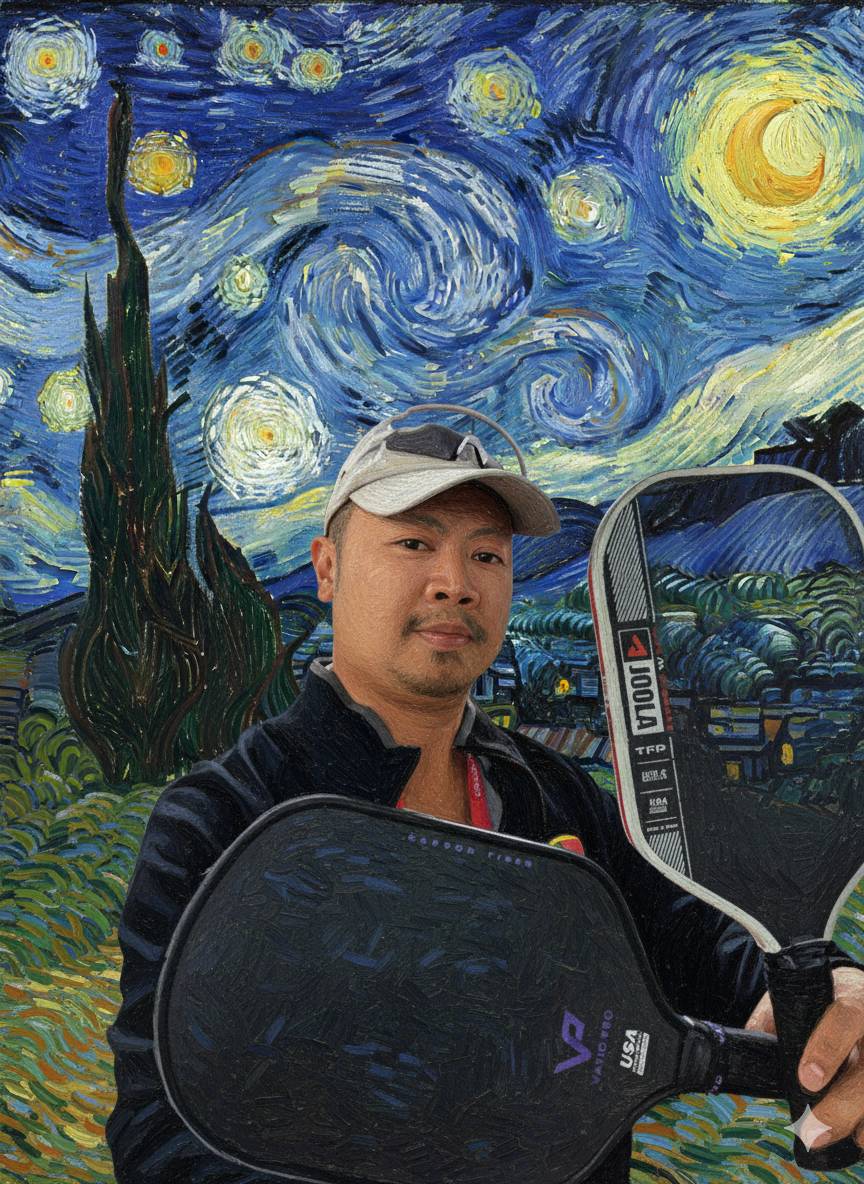
- The Art History Remix: “Place me inside Vincent van Gogh’s ‘Starry Night,’ painted in the same swirling brushstroke style.”
- The World Traveler: “Take this photo of me and put me on top of the Eiffel Tower, waving at the city below. Make it look realistic with accurate lighting and shadows.”
Safety and Responsible AI
Google has implemented safety features into Nano Banana. All images created or edited with the tool include both a visible watermark and an invisible SynthID digital watermark to clearly identify them as AI-generated.
However, as with any powerful tool, it’s important to use it responsibly. Be mindful of the images you upload and create, and avoid sharing personal or sensitive information.
The Future of Creativity is Here
Nano Banana is more than just a passing trend; it represents a significant leap forward in accessible AI-powered creativity. It empowers everyone, regardless of their technical skill, to become a digital artist. Whether you’re creating a fun new profile picture, designing a unique piece of art, or just experimenting with the limitless possibilities, Nano Banana offers a glimpse into the future of image editing.
So, what are you waiting for? It’s time to go bananas and see what you can create!